

Years ago, creating a 3D model required expensive CAD software and years of training. Today, generative AI has changed everything. Tools utilizing text-to-3D algorithms allow anyone to generate complex assets in seconds. The barrier to entry has collapsed.
However, a critical distinction remains. A digital file is not a physical product.
AI models prioritize visual fidelity for screens, not geometric validity for physics. They often look stunning in a browser but fail instantly when sent to a 3D printer. For creators wanting to manufacture their designs with Hyperlab3D, this creates a gap between the “digital dream” and the “physical reality.”
This guide covers the best AI tools of 2026 and explains how Hyperlab3D bridges that gap.
The Best AI Tools for Creation
Several platforms currently lead the market, each with specific strengths for different users.
Meshy.ai is the go-to for rapid iteration and high-quality textures. It excels at creating assets that look good visually, making it popular for game developers. However, its focus on low-poly optimization often requires engineering work before printing.
CSM.ai (Cube to Space Matrix) is powerful for turning single images into 3D forms. It is excellent for replicating real-world objects or sketches, though surface details are often baked into textures rather than the physical mesh.
Luma AI uses NeRF technology to capture photorealistic scenes. While incredible for visualization, the resulting “point cloud” data is often too messy for direct manufacturing without significant cleanup.
Tripo3D focuses on speed and structure. Recent updates have improved its ability to generate “watertight” meshes, making it a strong starting point for prototyping.
These tools solve the creative “Zero to One” problem. But the “One to One Hundred” manufacturing phase requires a different approach.
Why You Can’t Just Print an AI Model
If you download a raw AI file and send it to a printer, it will likely fail. This happens due to three fundamental geometric issues.
Non-Manifold Geometry. A printable model must be “watertight,” meaning it has a clearly defined inside and outside. AI algorithms often generate edges that disconnect or surfaces that intersect themselves. Slicing software cannot interpret this data, leading to print errors.
The Zero-Thickness Problem. AI often creates objects as single 2D surfaces floating in space. A cape on a superhero figure might look real, but mathematically it has zero thickness. A printer cannot print an object with zero volume.
The Texture Trap. AI uses “normal maps” to fake details. A surface might look rough and intricate on screen, but the actual geometry is smooth. Manufacturing produces the geometry, not the visual texture.
The Hyperlab3D Solution: We Fix It For You
You do not need to become a mesh repair expert. You do not need to learn complex software to fix non-manifold edges.
At Hyperlab3D, we handle the transition from digital to physical.
When you upload your AI-generated file to us, our engineering team takes over. We treat your AI file as raw data. We use industrial-grade software to automatically heal broken meshes and stitch open boundaries.
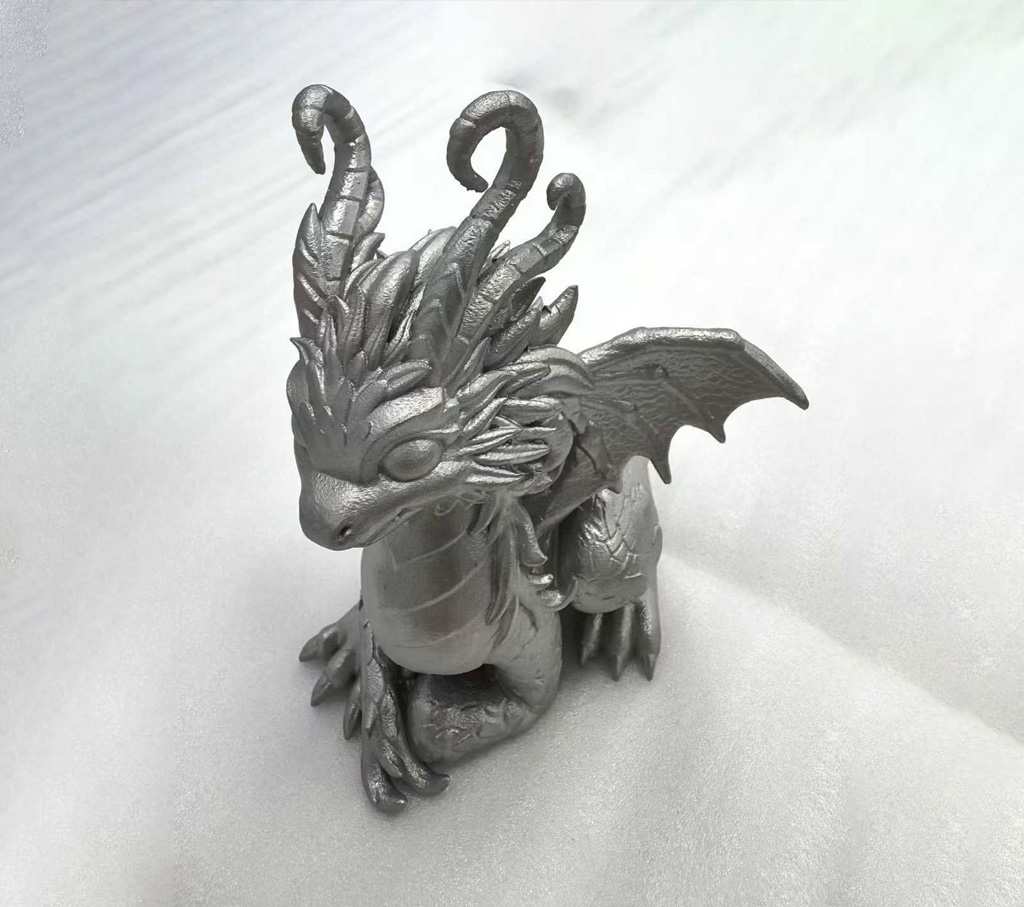
If your model has zero-thickness walls, we apply volumetric optimization to ensure the part is strong enough to hold. We analyze the structure and select the best manufacturing process for you. For instance, if you are printing a figurine, it could be produced using FDM, SLS, or SLA. The final choice depends entirely on the complexity of the geometry and your material preferences. We analyze these factors to handle the technical decision-making for you, ensuring the best possible result.
From Prompt to Product
Your workflow is simple.
- Generate your idea using Meshy, CSM, or your preferred AI tool.
- Export the file
- Upload it directly to Hyperlab3D.com.
Once we receive your file, we perform a manufacturability check. We fix the geometry, optimize the wall thickness, and produce your design using high-precision rapid prototyping equipment.
Don’t let your ideas stay trapped on a hard drive. Generate your model today, send the raw file to Hyperlab3D, and let us handle the physics.